
FitmentOS Help Center
Use this help center to train operators, standardize daily workflows, and resolve exceptions across the FitmentOS platform.
Start here
- Begin with Getting Started for onboarding and workspace basics
- Move to the module your team owns for queue-by-queue procedures
- Use search in the header to find articles by workflow, screen name, or task
Help Center structure
Getting Started
Learn the FitmentOS workspace, core modules, navigation patterns, and how access is controlled for each team.
Orders & Fulfillment
Manage order intake, status transitions, shipping decisions, and outbound fulfillment from a single queue.
Warehouse Operations
Run floor activity with work queues, devices, pick-pack workflows, cycle counts, and put-away execution.
Purchasing & Suppliers
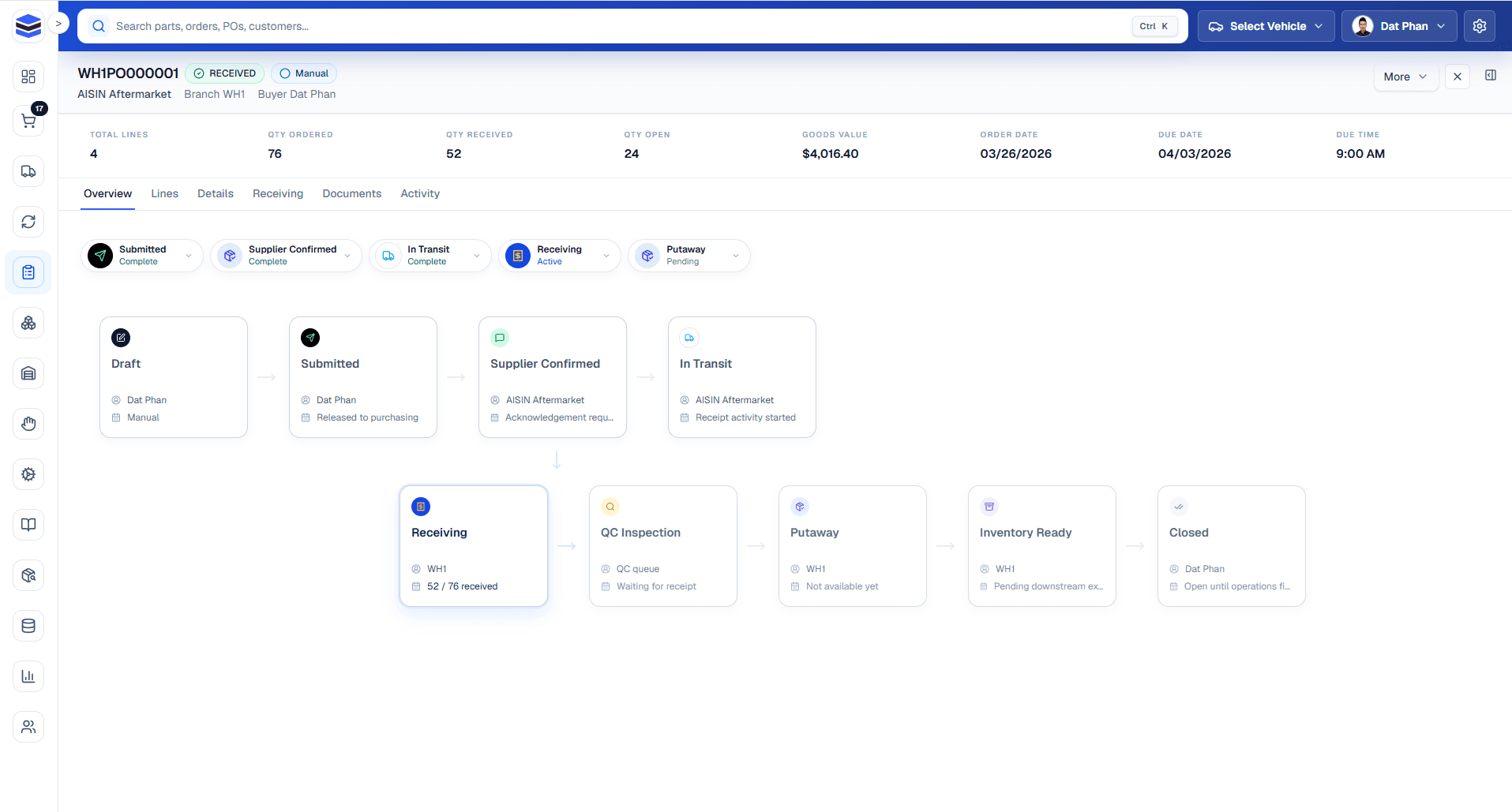
Create purchase orders, manage suppliers, receive inbound stock, and close purchasing loops cleanly.
Inventory & Catalog
Maintain items, track stock by warehouse, map barcodes and SKUs, and manage fitment-ready catalog data.
Automation & Rules
Standardize routing, defaults, and assignment logic so routine decisions happen consistently.
Returns & RMA
Process returns with a repeatable RMA flow from customer request through inspection and refund handling.
Settings & Configuration
Configure users, shipping behavior, email delivery, integrations, and system-wide defaults.
Working approach
- Keep procedures short and operational
- Train from real queue states, not theory
- Review the linked section article before changing defaults or automation